<?xml version="1.0" encoding="UTF-8"?>
<Invoice xmlns="urn:oasis:names:specification:ubl:schema:xsd:Invoice-2"
         xmlns:cac="urn:oasis:names:specification:ubl:schema:xsd:CommonAggregateComponents-2"
         xmlns:cbc="urn:oasis:names:specification:ubl:schema:xsd:CommonBasicComponents-2">
  <cbc:CustomizationID>urn:cen.eu:en16931:2017#compliant#urn:fdc:peppol.eu:2017:poacc:billing:3.0</cbc:CustomizationID>
  <cbc:ProfileID>urn:fdc:peppol.eu:2017:poacc:billing:01:1.0</cbc:ProfileID>
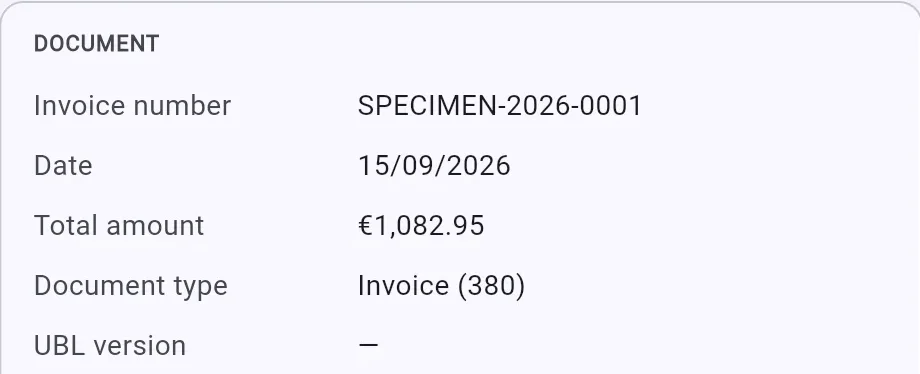
  <cbc:ID>SPECIMEN-2026-0001</cbc:ID>
  <cbc:IssueDate>2026-09-15</cbc:IssueDate>
  <cbc:DueDate>2026-10-15</cbc:DueDate>
  <cbc:InvoiceTypeCode>380</cbc:InvoiceTypeCode>
  <cbc:Note>SPECIMEN - fictitious document provided as an example by UBLiquity. Every company, number and account in it is made up. This is not a payment request.</cbc:Note>
  <cbc:DocumentCurrencyCode>EUR</cbc:DocumentCurrencyCode>
  <cbc:BuyerReference>PO-4711</cbc:BuyerReference>
  <cac:InvoicePeriod>
    <cbc:StartDate>2026-09-01</cbc:StartDate>
    <cbc:EndDate>2026-09-30</cbc:EndDate>
  </cac:InvoicePeriod>
  <cac:AccountingSupplierParty>
    <cac:Party>
      <cbc:EndpointID schemeID="0208">0100000070</cbc:EndpointID>
      <cac:PartyName>
        <cbc:Name>Atelier Specimen</cbc:Name>
      </cac:PartyName>
      <cac:PostalAddress>
        <cbc:StreetName>Rue de l'Exemple 1</cbc:StreetName>
        <cbc:CityName>Bruxelles</cbc:CityName>
        <cbc:PostalZone>1000</cbc:PostalZone>
        <cac:Country>
          <cbc:IdentificationCode>BE</cbc:IdentificationCode>
        </cac:Country>
      </cac:PostalAddress>
      <cac:PartyTaxScheme>
        <cbc:CompanyID>BE0100000070</cbc:CompanyID>
        <cac:TaxScheme>
          <cbc:ID>VAT</cbc:ID>
        </cac:TaxScheme>
      </cac:PartyTaxScheme>
      <cac:PartyLegalEntity>
        <cbc:RegistrationName>Atelier Specimen SRL</cbc:RegistrationName>
        <cbc:CompanyID schemeID="0208">0100000070</cbc:CompanyID>
      </cac:PartyLegalEntity>
    </cac:Party>
  </cac:AccountingSupplierParty>
  <cac:AccountingCustomerParty>
    <cac:Party>
      <cbc:EndpointID schemeID="0208">0100000169</cbc:EndpointID>
      <cac:PostalAddress>
        <cbc:StreetName>Voorbeeldstraat 10</cbc:StreetName>
        <cbc:CityName>Gent</cbc:CityName>
        <cbc:PostalZone>9000</cbc:PostalZone>
        <cac:Country>
          <cbc:IdentificationCode>BE</cbc:IdentificationCode>
        </cac:Country>
      </cac:PostalAddress>
      <cac:PartyTaxScheme>
        <cbc:CompanyID>BE0100000169</cbc:CompanyID>
        <cac:TaxScheme>
          <cbc:ID>VAT</cbc:ID>
        </cac:TaxScheme>
      </cac:PartyTaxScheme>
      <cac:PartyLegalEntity>
        <cbc:RegistrationName>Demo Distribution NV</cbc:RegistrationName>
        <cbc:CompanyID schemeID="0208">0100000169</cbc:CompanyID>
      </cac:PartyLegalEntity>
    </cac:Party>
  </cac:AccountingCustomerParty>
  <cac:PaymentMeans>
    <cbc:PaymentMeansCode>30</cbc:PaymentMeansCode>
    <cbc:PaymentID>+++202/6000/10195+++</cbc:PaymentID>
    <cac:PayeeFinancialAccount>
      <cbc:ID>BE00000012345678</cbc:ID>
      <cbc:Name>Atelier Specimen SRL</cbc:Name>
Make your UBL invoices readable. Open a UBL invoice to see the issuer, the purpose and the amount due, with any anomalies explained.
Open the app Free · runs in your browser · nothing is uploaded
Your invoices stay on your device.
Ubliquity reads the file in your browser and renders the PDF there. Nothing is sent to a server, there is no account, and nothing is kept once you close the tab.
The PDF is a readable rendering. The legal invoice remains the XML file.
Features
Read the invoice
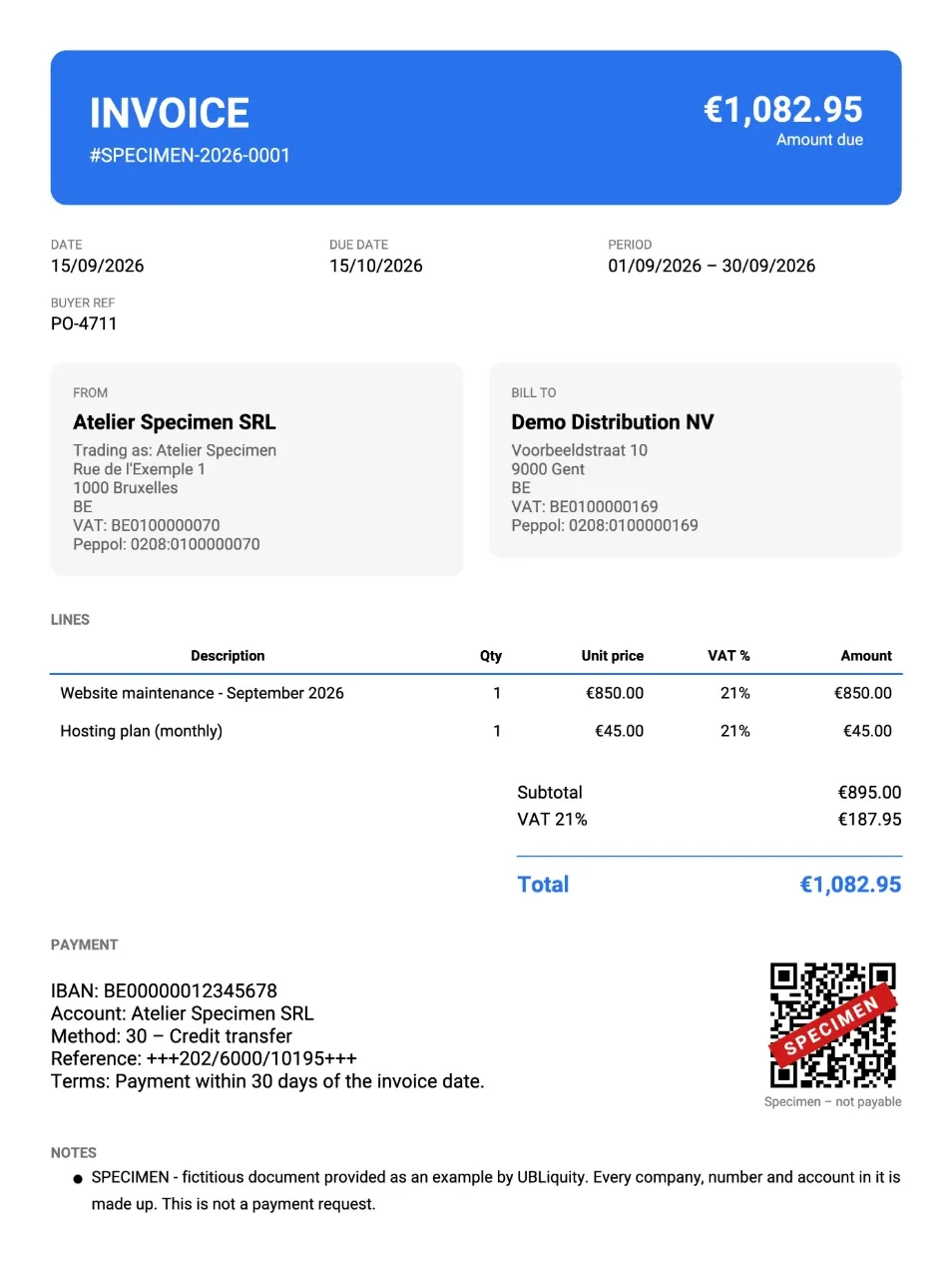
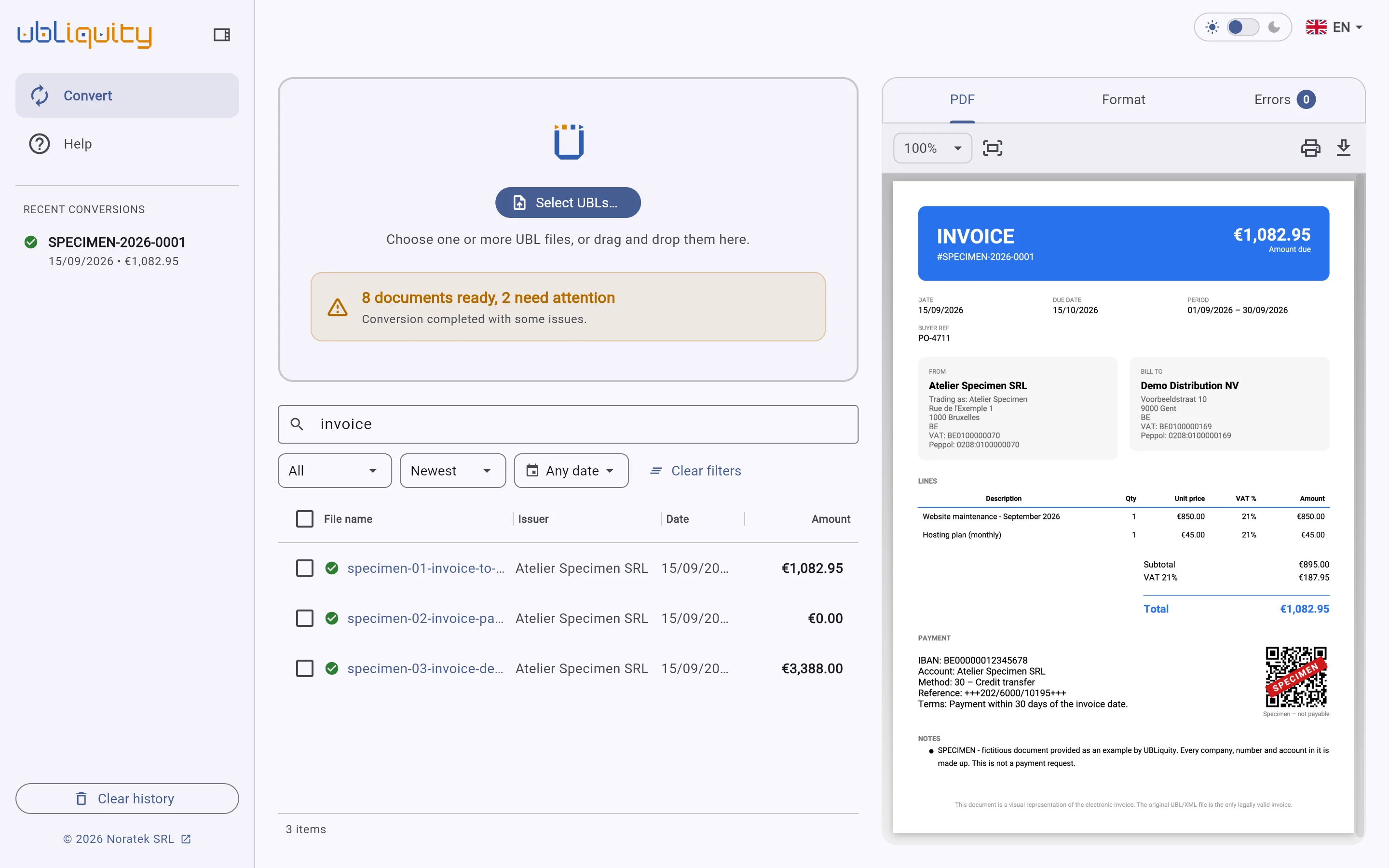
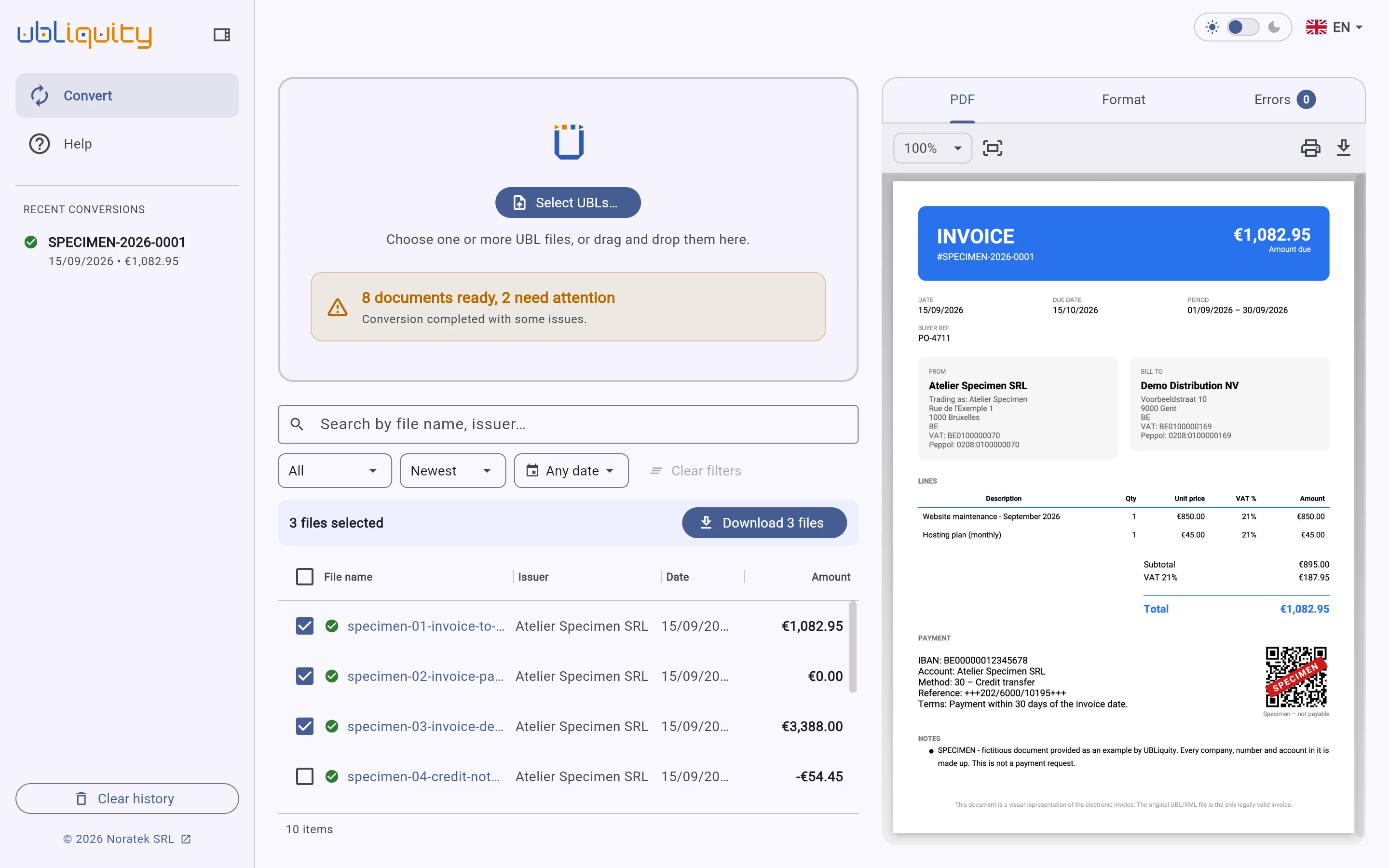
Seller, buyer, lines, VAT and amount due, laid out as a conventional invoice.
Spot what needs fixing
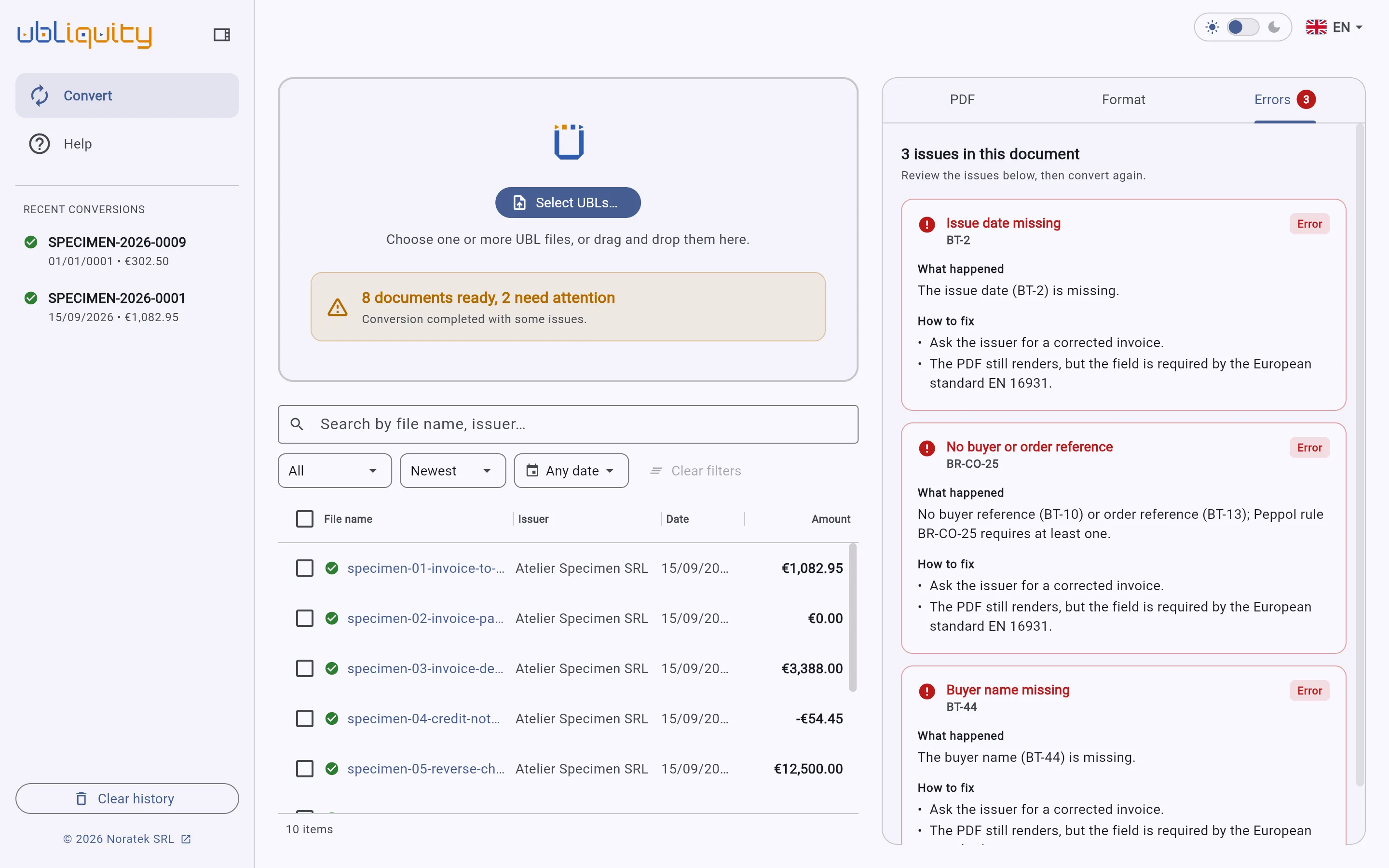
Missing dates, references or parties are reported in plain language, with the action to take.
Process a batch
Select all the files received, then search, filter and open the ones you need.
Export to PDF
Download one invoice as a PDF, or several as a zip archive.
Screenshots
ubliquity.app
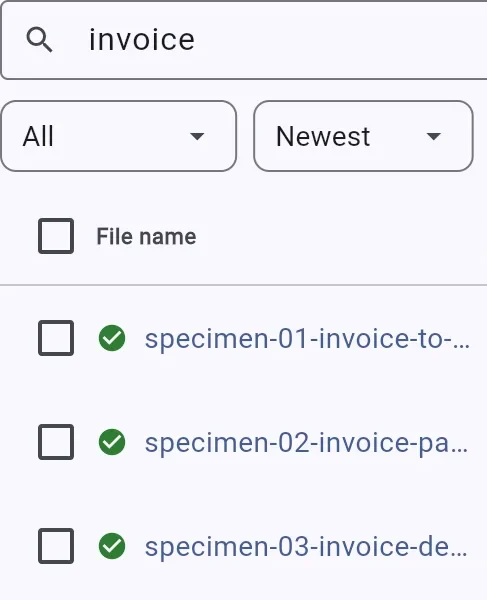
Search and filter
Search by file name or issuer, filter by type and date.
ubliquity.app
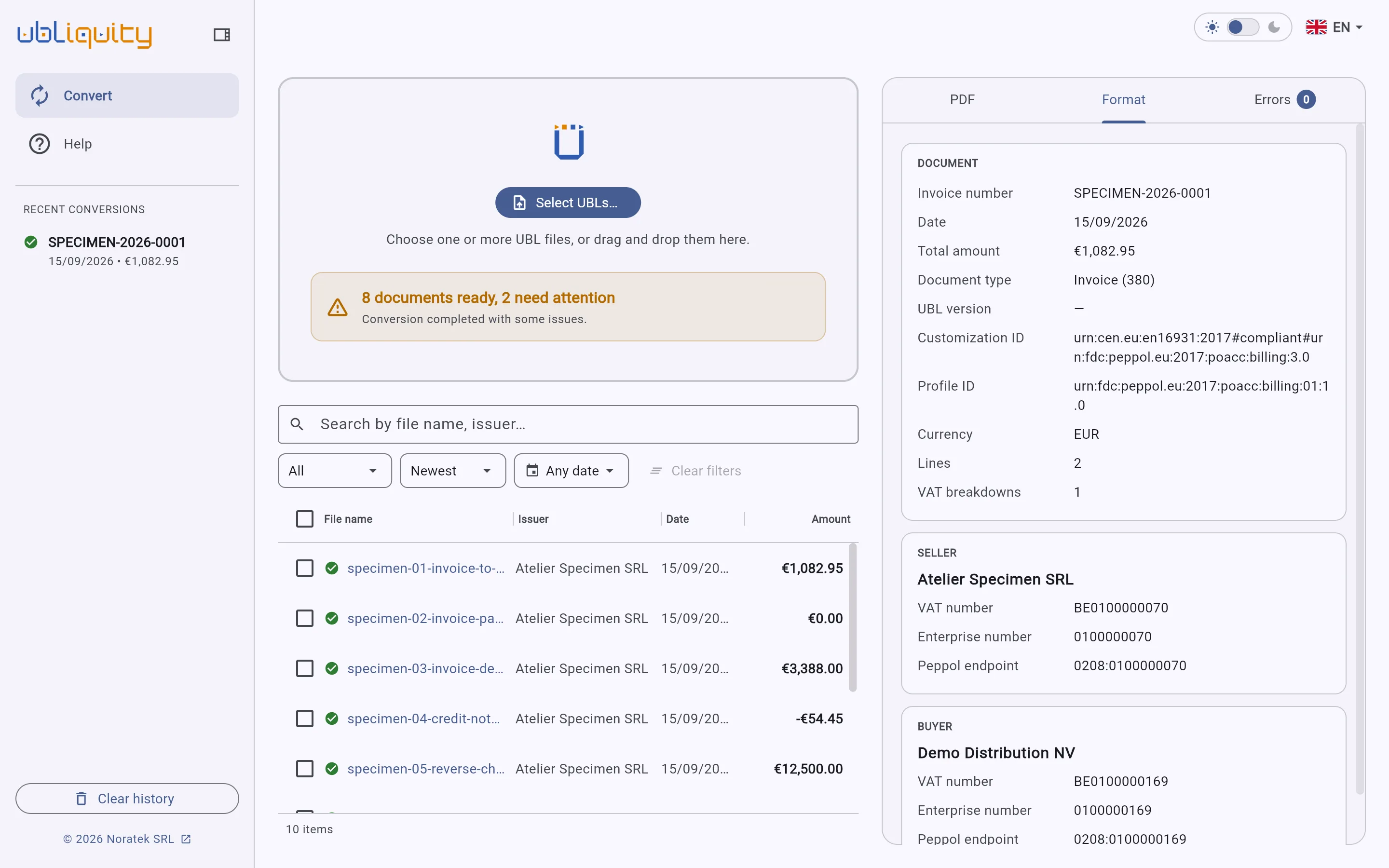
Declared format
The Format tab shows the standard and the profile the invoice declares.
ubliquity.app
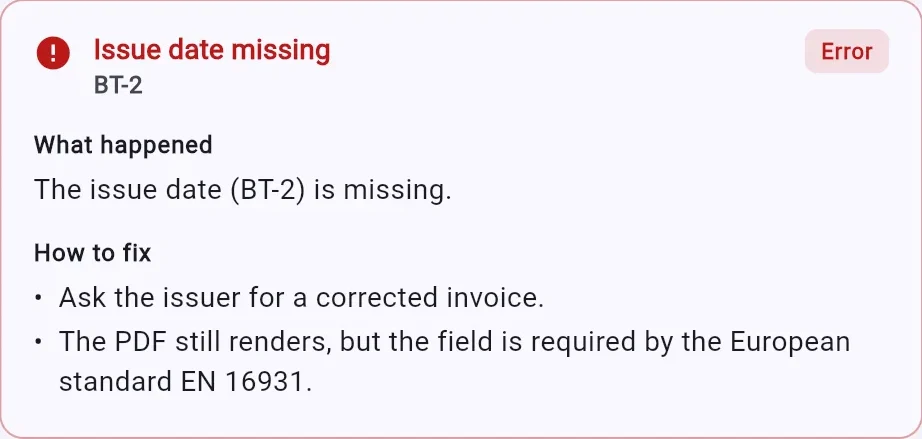
Anomalies explained
Each anomaly states what is missing and how to resolve it.
ubliquity.app
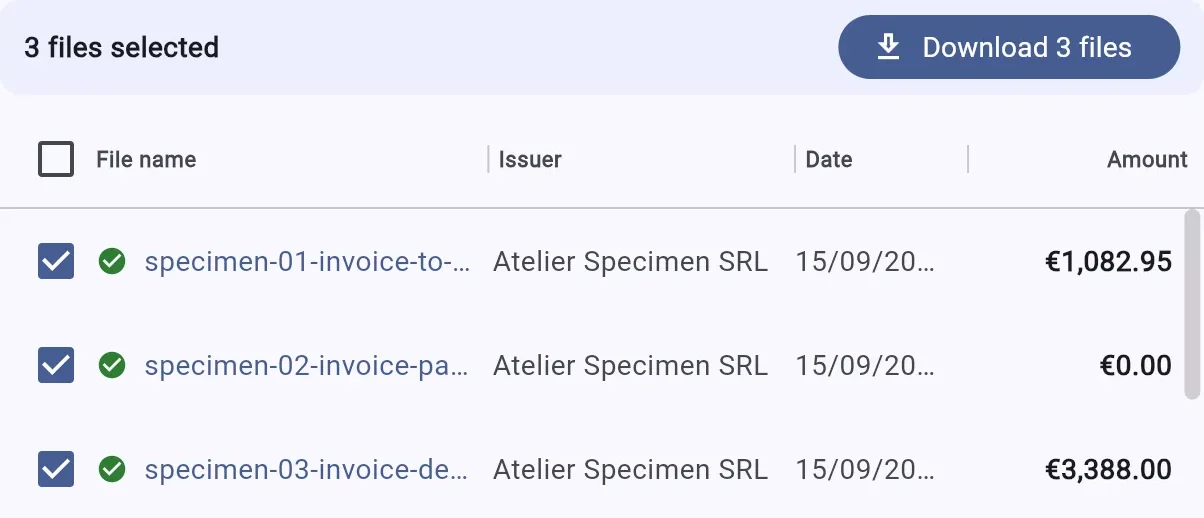
Select and download
Tick the invoices you need and download them at once.
ubliquity.app
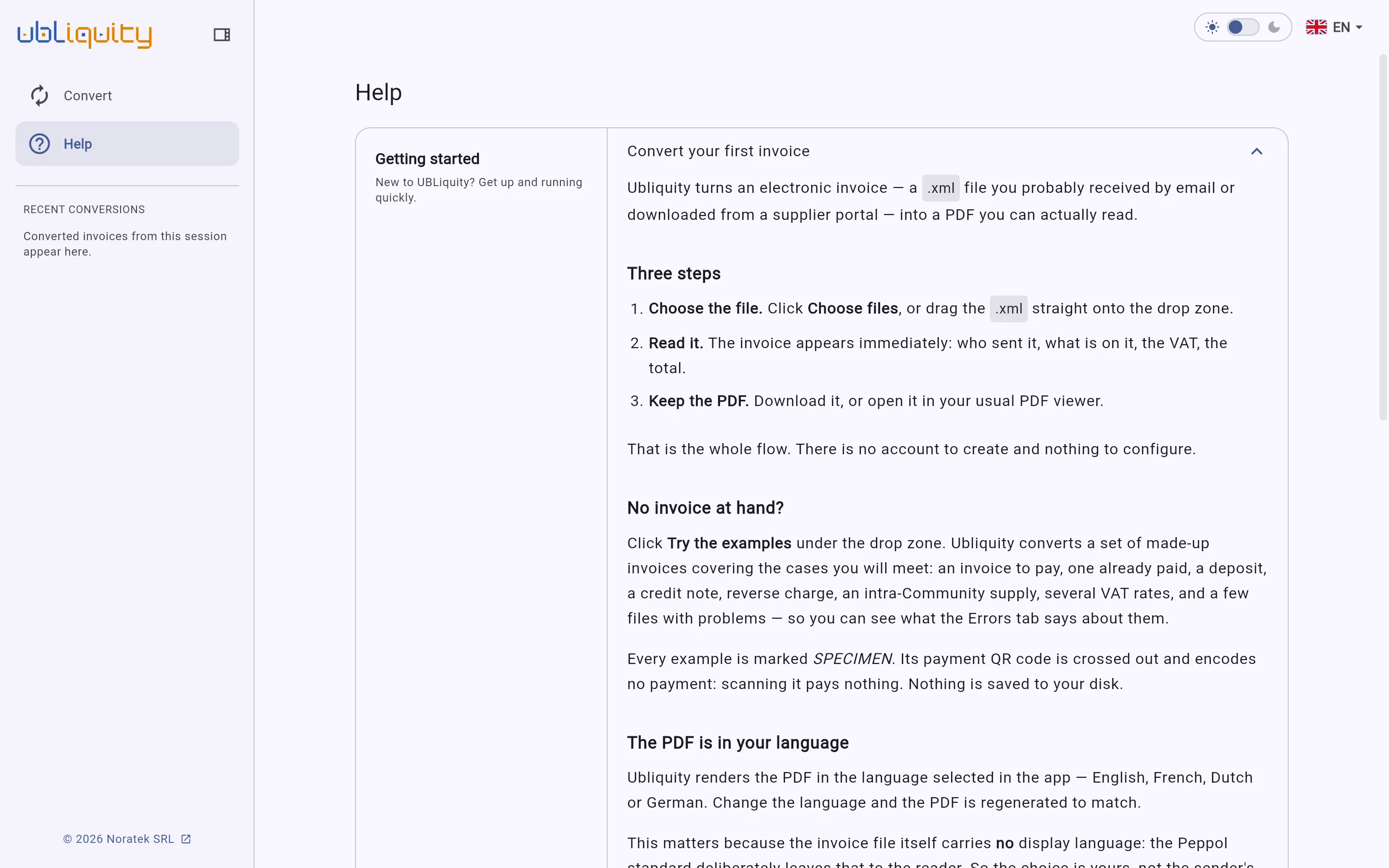
Documentation in four languages
Articles in English, French, Dutch and German.
What's new
1.5.1 23 September 2026
The example invoices are easier to find under the drop zone.
1.5.0 23 September 2026
Ten fictitious example invoices to try Ubliquity without a file of your own.
1.4.0 27 July 2026
Each document opens in three tabs: PDF, Format and Errors.
Problems are explained, with how to fix them.
A malformed file names the line and the tag that broke it.